How do I highlight a PDF?
1. Let’s start your journey! Hop over to pdfhighlighter.io and gently click that SELECT PDF FILE button to begin.
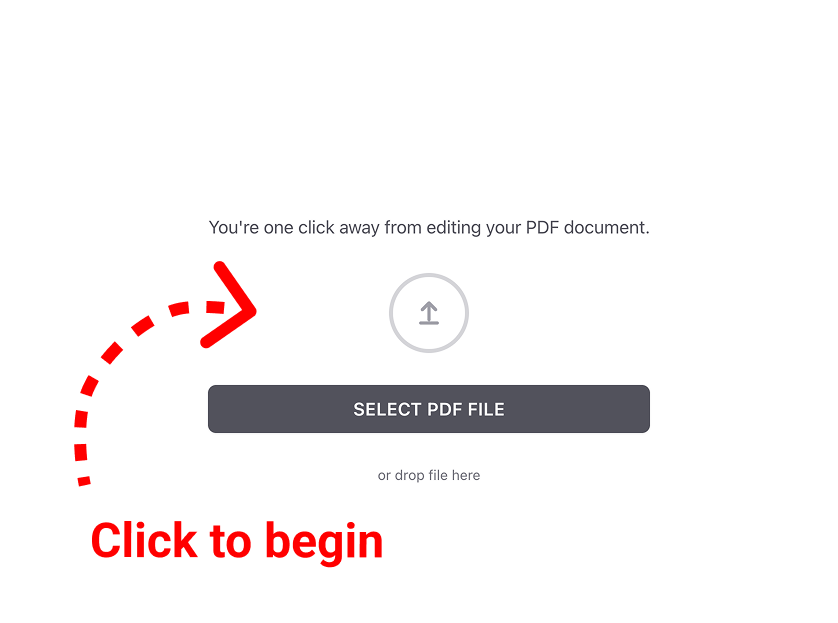
2. Pick your favorite file. Simply choose the PDF you’d like to work on from your device.
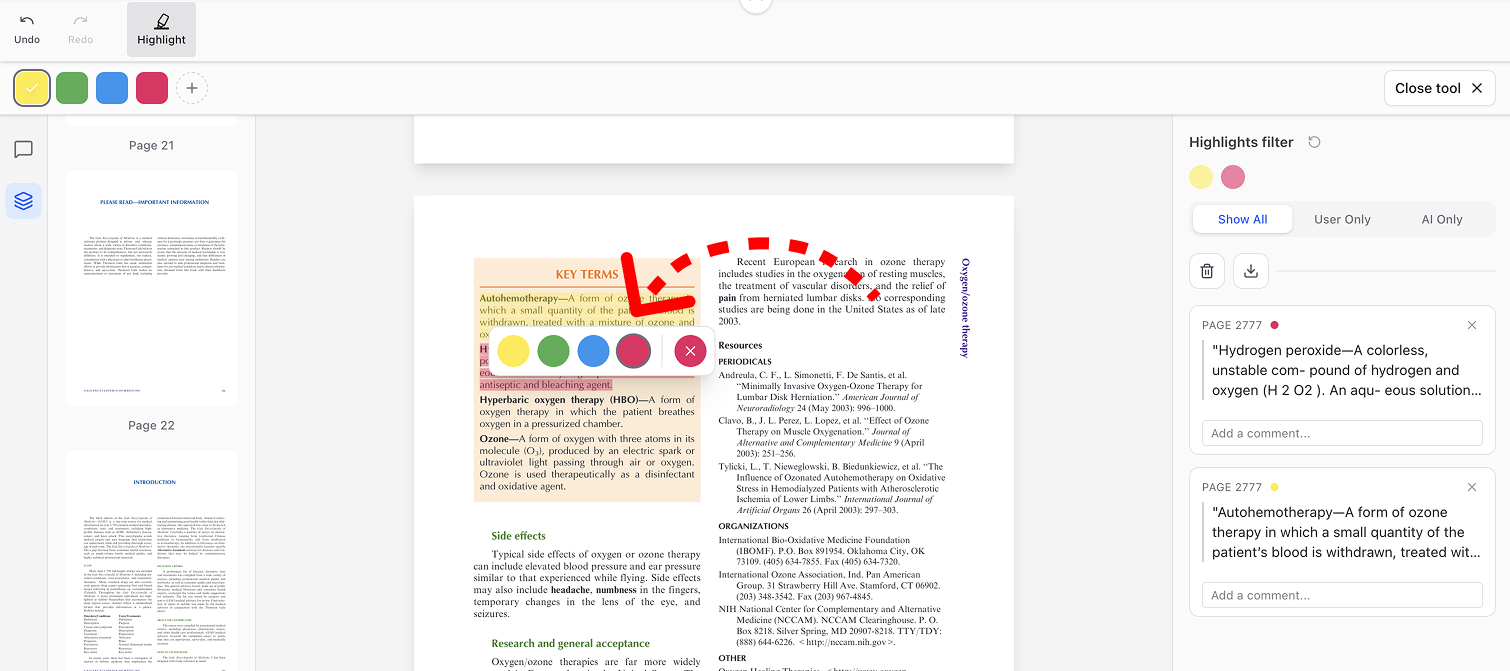
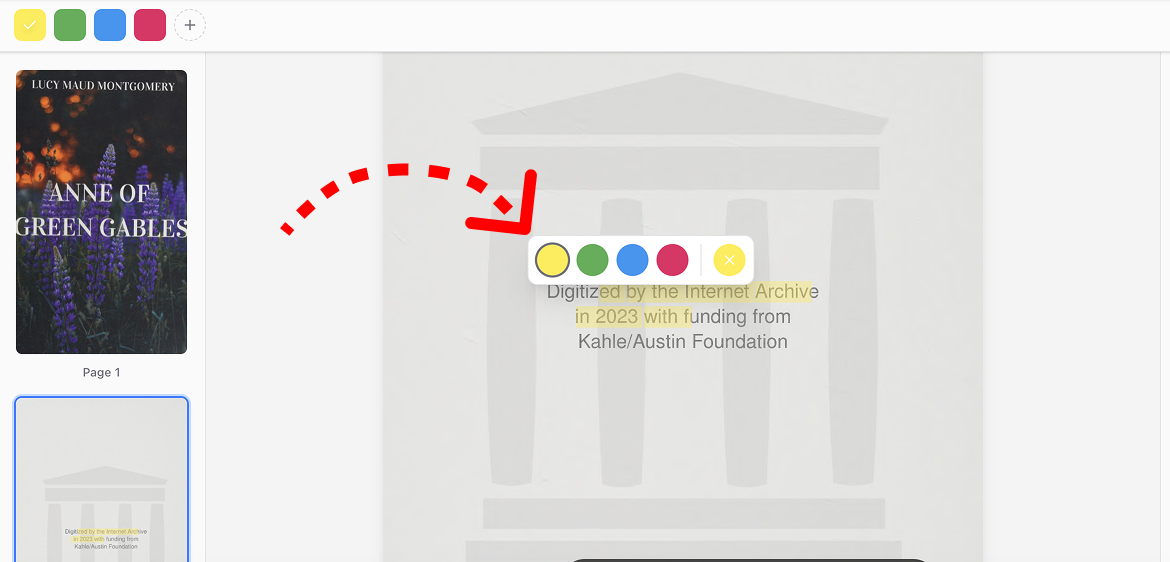
3. You’re all set! Now for the fun part: just highlight any passage in your document that speaks to you, and pick a lovely color to make it shine.
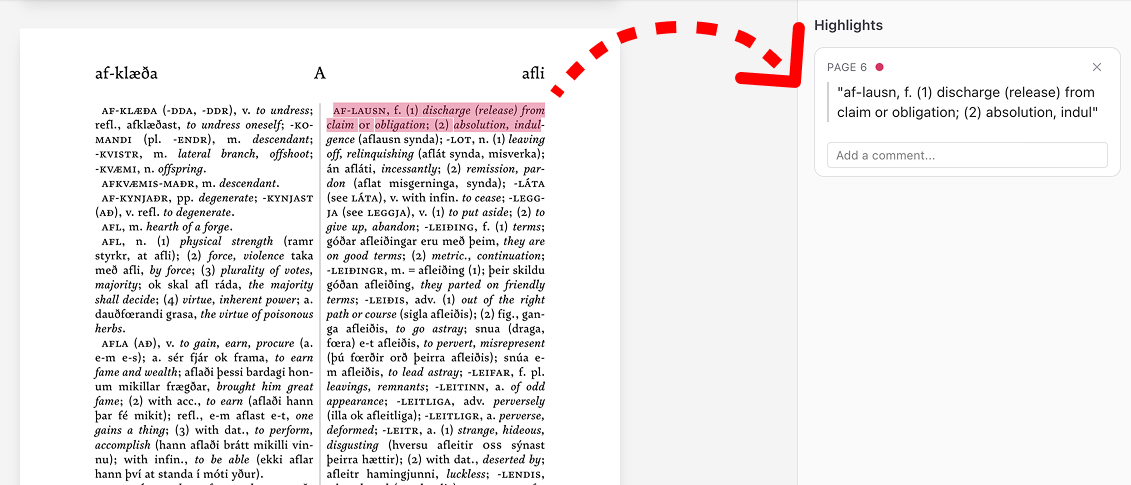
4. Make it yours. Feel free to change your mind! If you want to switch colors or remove a highlight, just click on the text you’ve marked and choose the option that feels right.
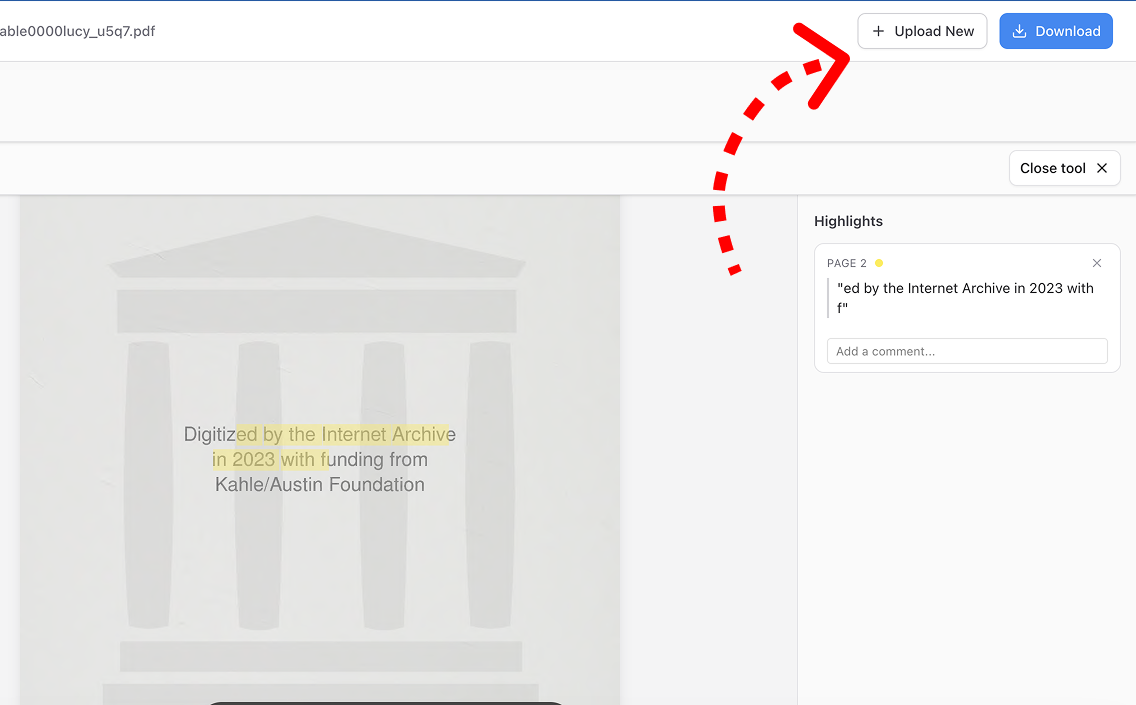
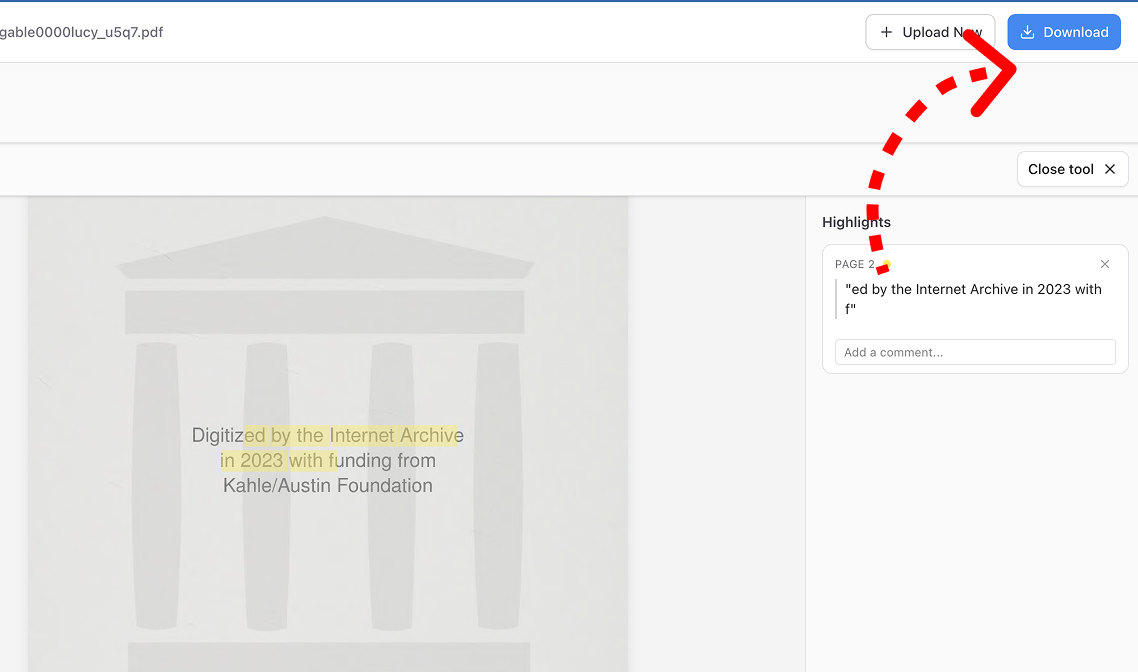
5. Saving your creation. When you’re ready to keep your work, take a little look at the top toolbar:
- Download PDF: This is the one! Use it to download your freshly edited document and keep it safe.
- Change File: Ready for something new? Use this to bring in a different document from your device.